Guests & profiles
Your guest book lives in one place. Search anyone who's ever stayed, add a new profile, and open a guest to see their contact details and stay history.
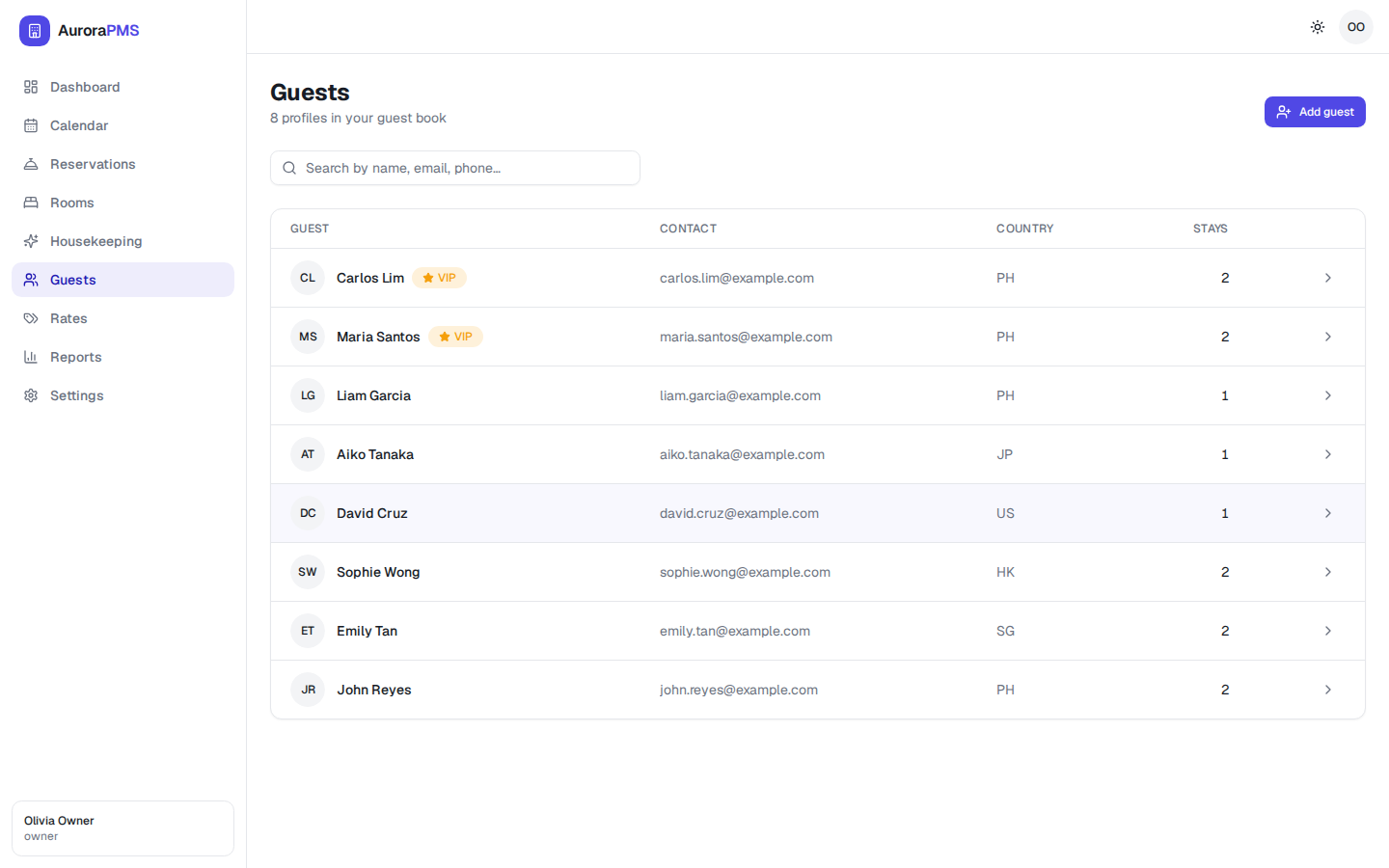
Search for a guest
- 1
Open Guests from the sidebar.
- 2
Type into Search by name, email, phone…. The list filters as you type.
- 3
Select a row to open that guest's profile.
Add a guest
- 1
Select Add guest (top-right).
- 2
Enter their name and email (add phone and country if you have them).
- 3
Save. The new profile joins your guest book and can be attached to reservations.
You don't always need to do this first — creating a reservation for a new guest adds their profile automatically.
The guest profile & stay history
Opening a guest shows everything you know about them:
- Contact details — email, phone and country.
- VIP badge — flagged repeat or priority guests are marked VIP in the list and on the profile.
- Stay history — every past and upcoming reservation, with dates and references. The Stays column shows the running count.
Expected result
When a returning guest books, you recognise them instantly — their history, contact details and VIP status are one click away, so you can personalise the welcome.